A view for every role
Every department immediately finds the information that belongs to its work.
Operational dashboard for QLab 5
QRT turns your QLab workspace into clear dashboards for general control, sound, lighting, video and stage management.

7-day free trialOne-time purchase · no subscription
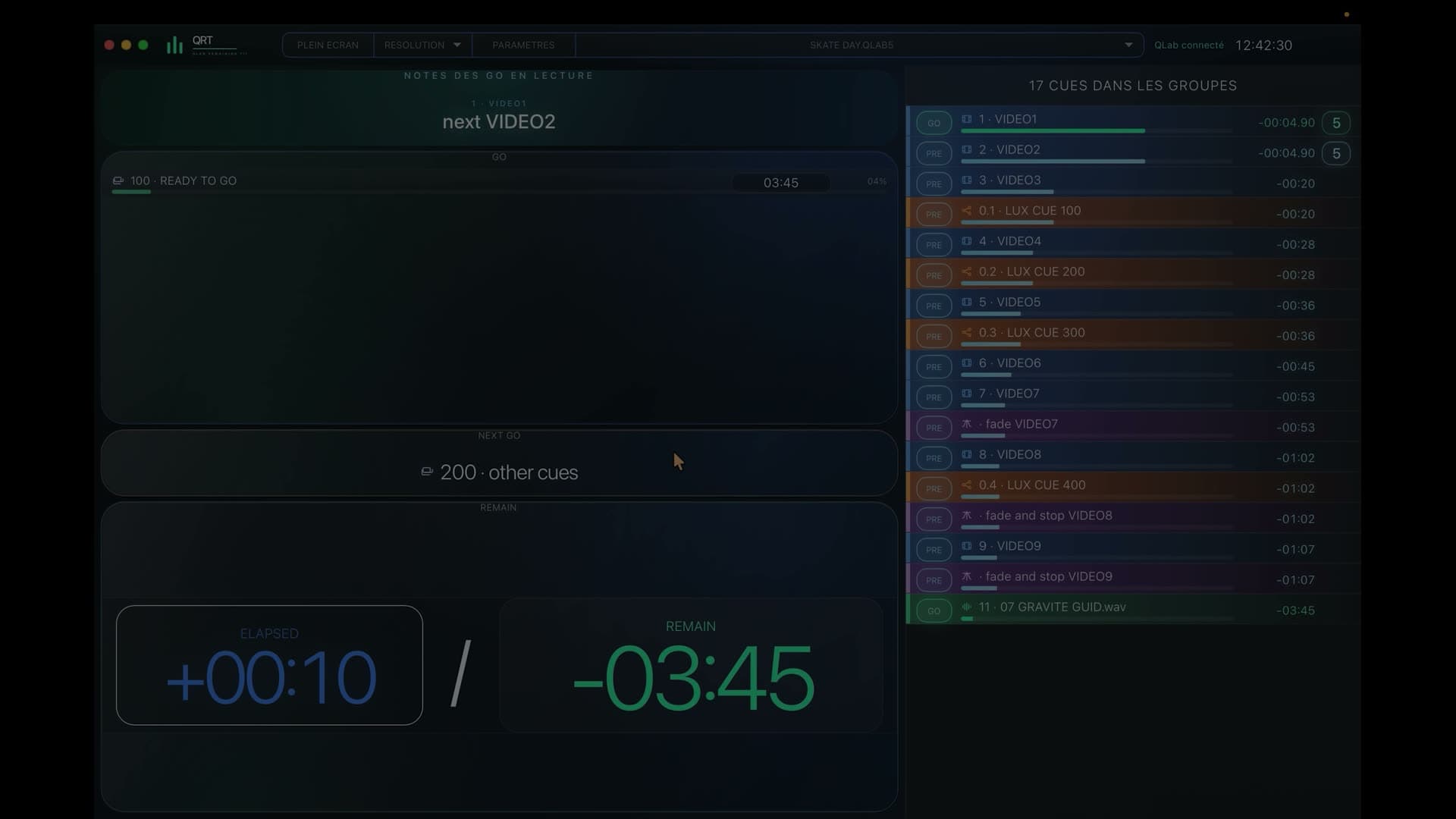
In a nutshell
QRT brings the current action, timing, upcoming calls and the wider flow of the show together for every department.
During the show
Every department immediately finds the information that belongs to its work.
Everyone sees what matters to their role while keeping the overall sequence in sight.
Stage, Stage Left and Stage Right prepare upcoming calls without scanning the full workspace.
QRT adapts to your teams, spaces and production language.
Mac, PC, iPad, tablet and phone displays can show different views at the same time.
Teams remain informed in real time without gaining access to show controls.
From workspace to every department
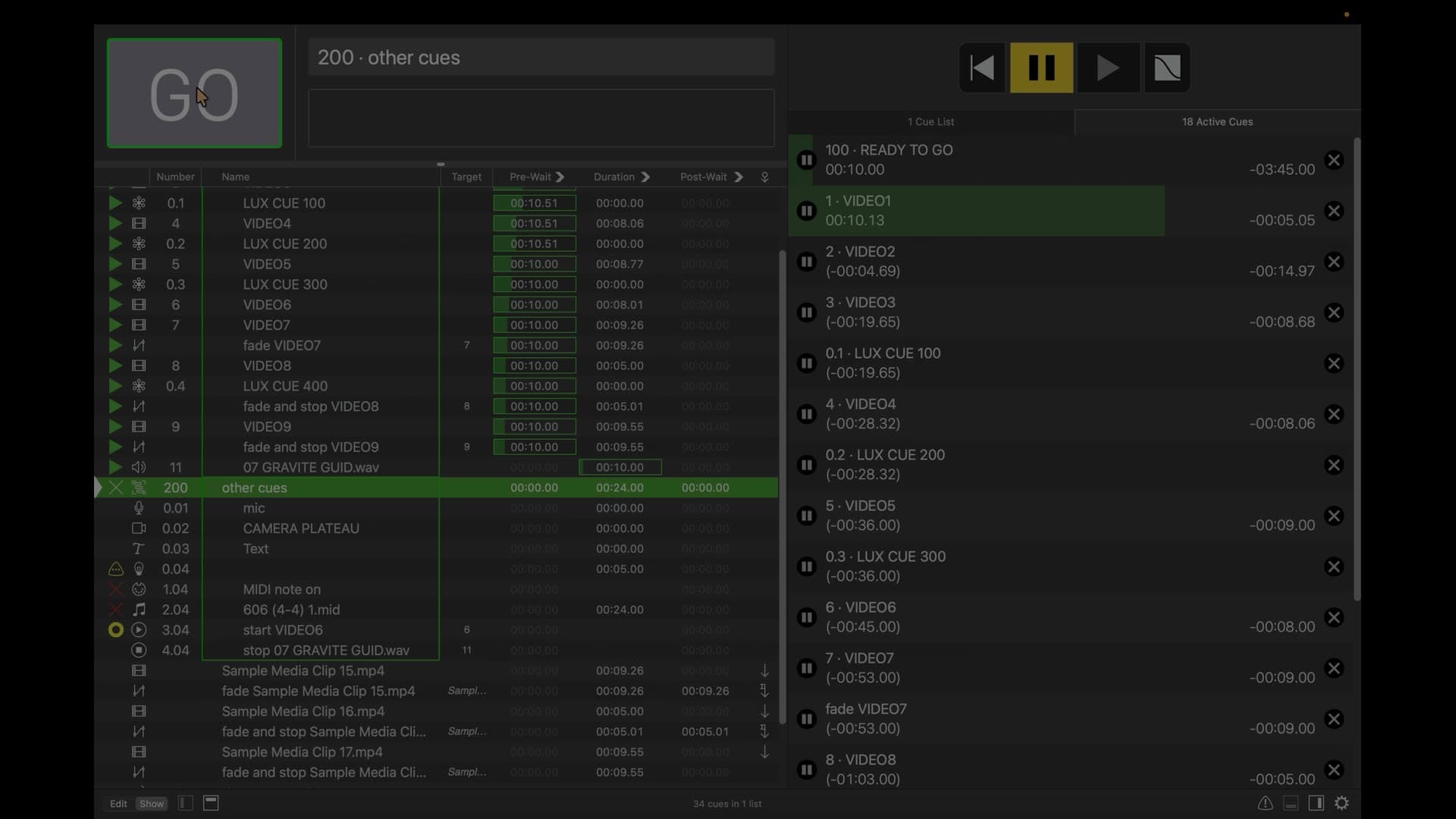
Sound, lighting, video and stage management share one QLab workspace, but each reads it through what they need to hear, see, prepare or call.
QRT follows the show sequence faithfully and preserves the place of every action, so everyone can see what is happening and what comes next.
From the QLab Mac, QRT shares every profile across the show’s screens, from a department workstation to a team member’s phone.
Before you try it
Yes: QRT displays the current action, timing and what follows, then shapes that information around every production role.
No: each device can display the profile that matches its position at the same time.
No: QRT is built to inform while the QLab operator retains full control.
QRT · QLab 5
Try QRT free for 7 days, then continue with a one-time purchase and no subscription.