Remaining time
The duration ahead stays readable at a glance, even from a distance.
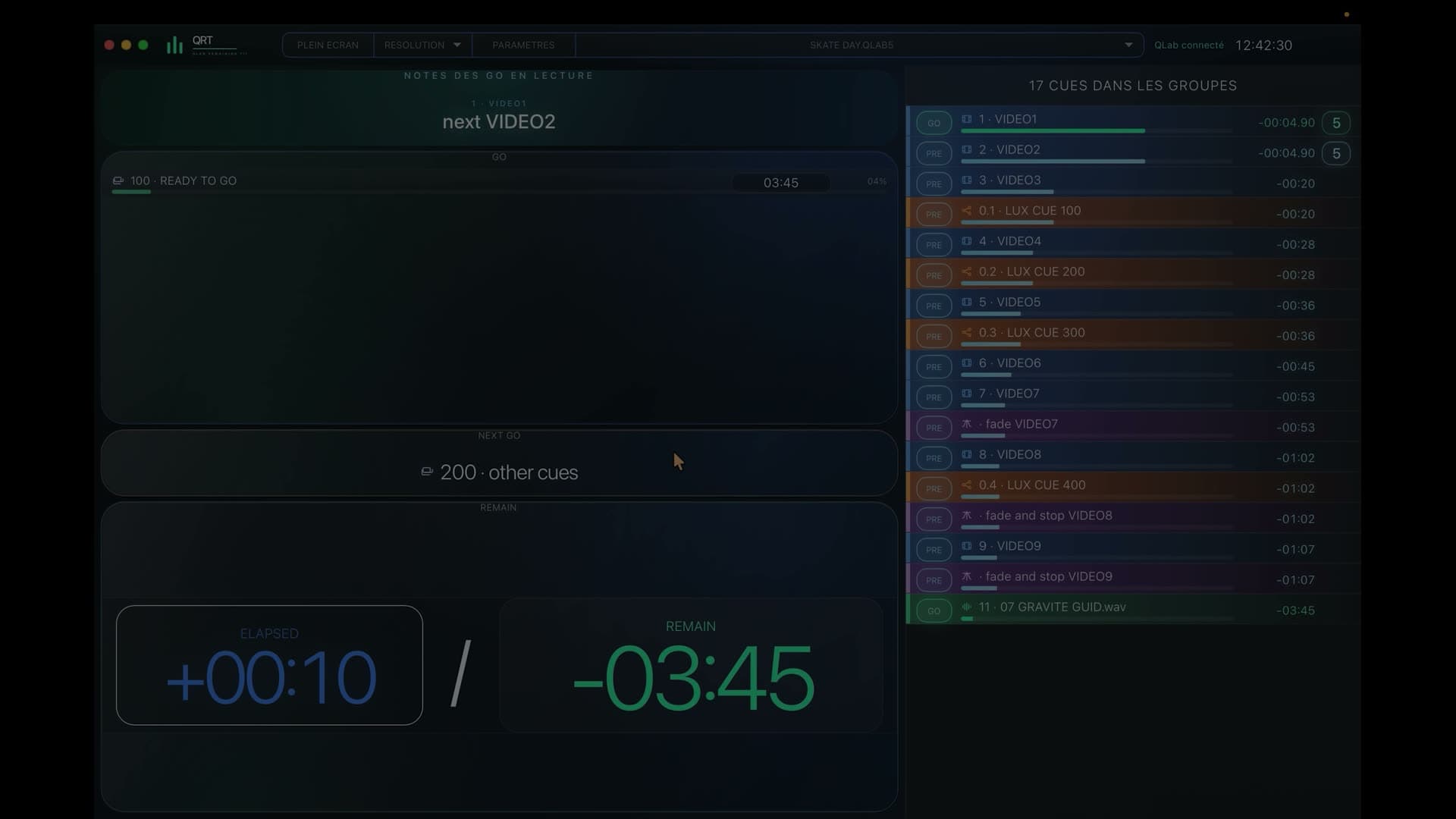
QLab timer and remaining time
QRT shows passing time, the action it belongs to and what awaits the team immediately after it.

7-day free trialOne-time purchase · no subscription
In a nutshell
QRT connects remaining and elapsed time to the current action, the next GO and the real progression of the show.
During the show
The duration ahead stays readable at a glance, even from a distance.
The team immediately knows where the action sits in its progress.
The next start appears with the time available to prepare for it.
Timing stays attached to the workspace even as the sequence becomes complex.
The operator knows the show. By bringing the action, its progress and what follows together, QRT confirms the rhythm, recalls the next point of attention and clears doubt at a glance.
QRT follows the logic of the QLab workspace so displayed timing remains coherent even inside nested groups and sequences.
A remote display, iPad, PC or phone can show the QLab timer through the view designed for its team.
Before you try it
Yes: QRT displays remaining time, elapsed time and the progress of the current action.
No: timing appears with the action, what follows and the context that helps the team interpret it.
Yes: it can reach computers, tablets and phones connected to the show network.
QRT · QLab 5
Try QRT free for 7 days, then continue with a one-time purchase and no subscription.