Stage
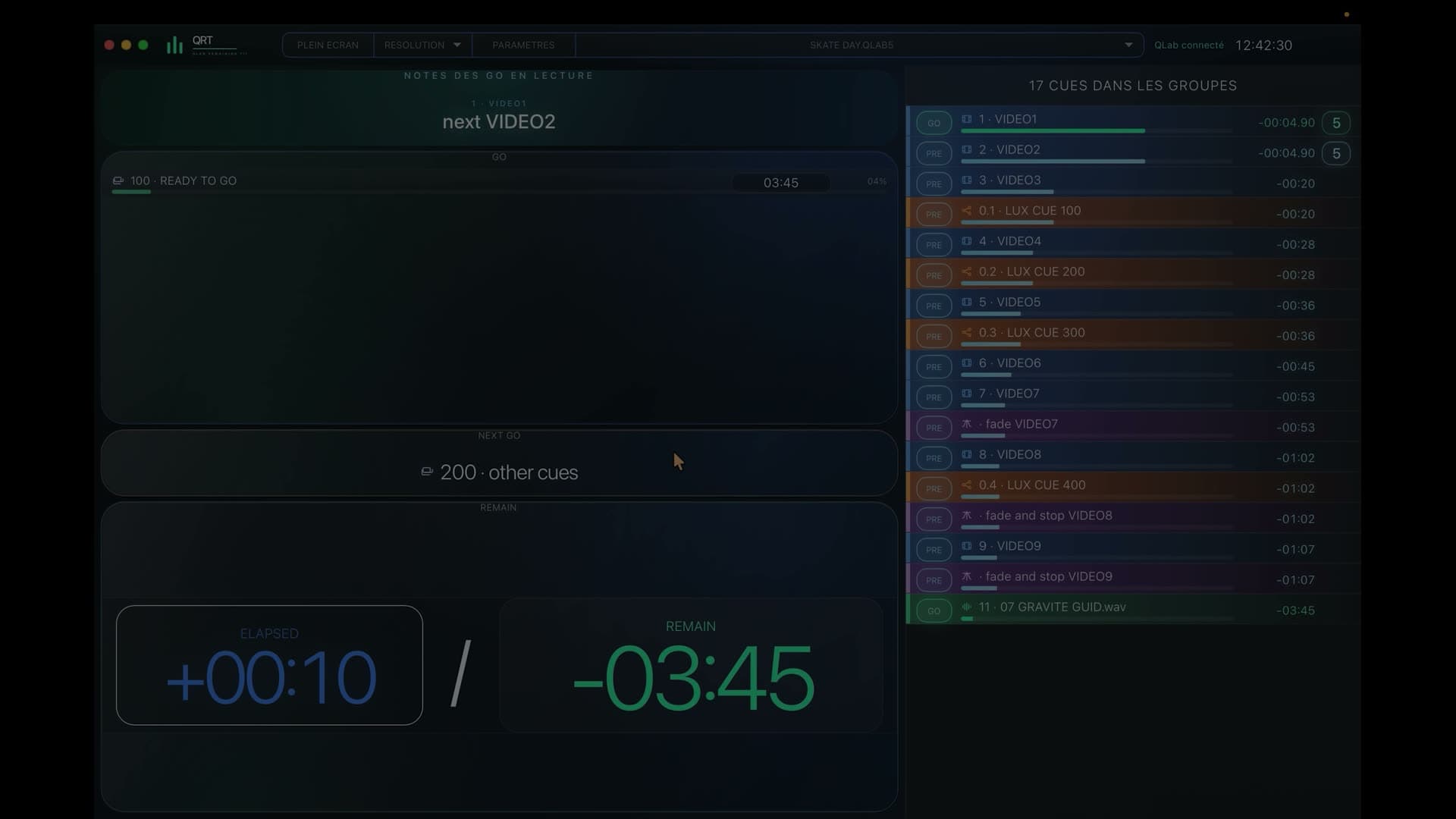
A central view brings together the references shared by the whole stage team.
QLab for Stage, Stage Left and Stage Right
QRT gives Stage, Stage Left and Stage Right distinct views that remain perfectly aligned with the same QLab workspace.

7-day free trialOne-time purchase · no subscription
In a nutshell
Every side follows its entrances, changes and upcoming calls without losing the rhythm shared with general control.
During the show
A central view brings together the references shared by the whole stage team.
Stage Left focuses on the upcoming calls it needs to prepare.
Stage Right receives its own view without the noise of actions on the opposite side.
Every view moves with the same QLab workspace and remains read only.
By separating Stage, Stage Left and Stage Right views, QRT helps everyone anticipate entrances, changes and warnings without scanning the full workspace.
You prepare the show in QLab and QRT presents every piece of information in the stage view where it belongs.
A Mac, PC, tablet or phone can independently display the Stage, Stage Left or Stage Right view on the show network.
Before you try it
References prepared in QLab are directed to the Stage, Stage Left or Stage Right view where they belong.
Yes: every device can choose its view and show them simultaneously at different positions around the stage.
No: they are designed to inform teams while the QLab operator retains control.
QRT · QLab 5
Try QRT free for 7 days with your own QLab references.